Digital Privacy 2026: What Ordinary People Should Know

Digital privacy can feel like a problem for specialists: encryption, trackers, data brokers and terms of service nobody reads. But the practical risks most people face are more ordinary. A reused password, an app with too much access, a message that rushes a decision. A small number of habits prevents a large share of the harm.
The data you give away daily
Every app, website and loyalty card collects something: location, contacts, purchase history, device details. Individually, each piece can seem harmless. Combined, they build a detailed picture of your routines, relationships and preferences. That picture has value, and it is often traded without much visibility.
The goal is not to vanish from the internet. It is to reduce the unnecessary sharing. Use guest checkout when an account adds nothing, decline optional data collection, and check what a service actually needs before granting access. Small refusals add up across dozens of services.
Passwords and two-factor
Password reuse remains the single most common way one breach becomes many. If a shopping site leaks your email and password, attackers will try the same combination on email, banking and social accounts. A password manager solves this by generating and storing unique passwords, so you only need to remember one strong passphrase.
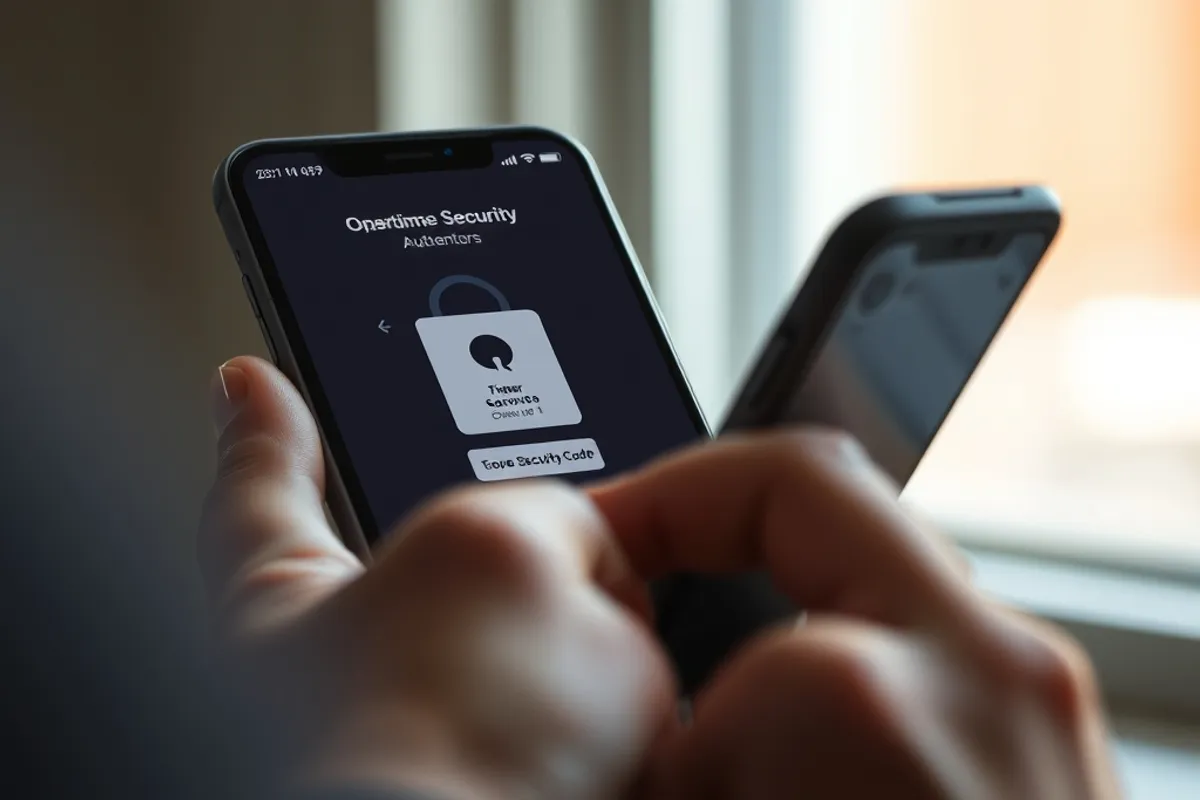
Two-factor authentication is the second big gain. A code or security key means a stolen password is not enough on its own. Prefer an authenticator app or a hardware key over SMS where possible, because phone numbers can be hijacked through SIM-swap fraud.
Phones, apps and permissions
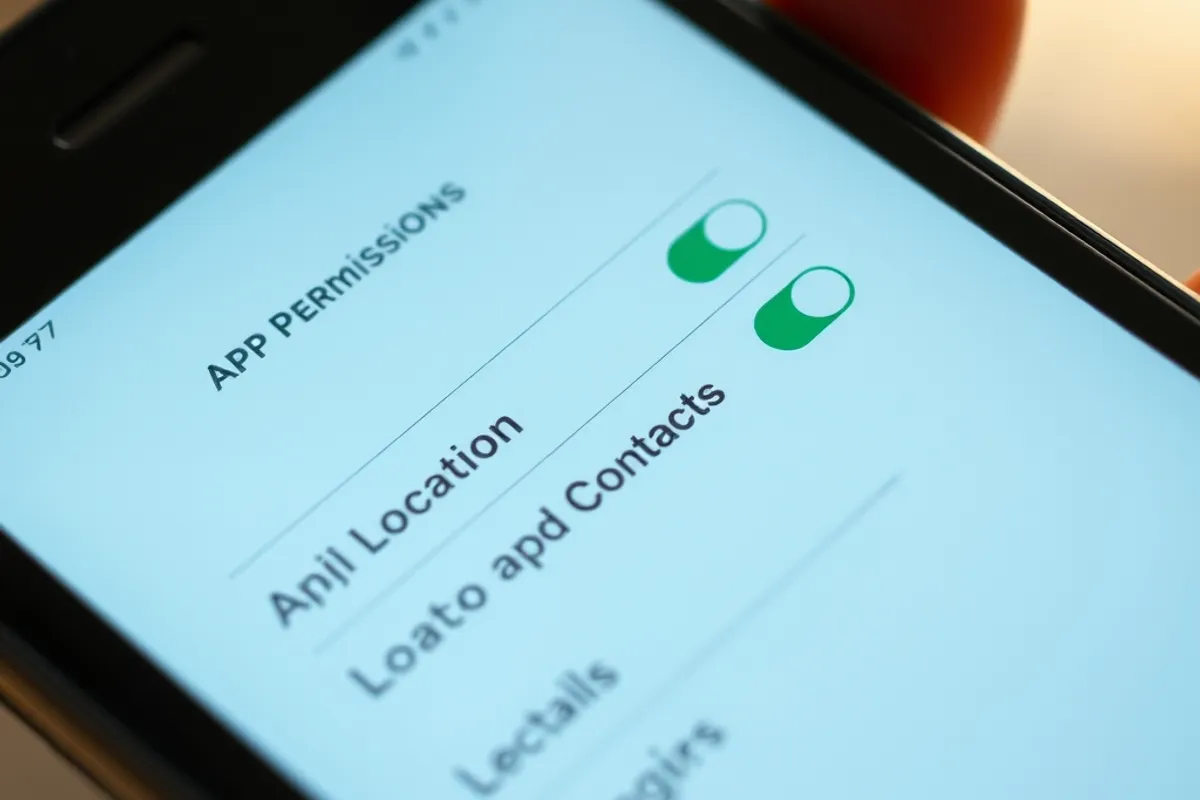
Your phone is the most sensitive device you own. It knows where you are, who you talk to and what you search for. Review which apps can access location, microphone, camera and contacts. Set location to "while using" rather than "always" for anything that does not need background tracking.
App stores have improved privacy labels, but they are not a guarantee. Check the developer, the reviews and the permissions together. A simple torch app that asks for contacts is a warning sign, not a feature. Delete apps you no longer use; an unused app with access is still a risk.

Public Wi-Fi and scams
Public Wi-Fi is less dangerous than it once was, because most websites now use encryption. The bigger risk is the fake network that looks legitimate and captures your login. Avoid banking on public Wi-Fi, use your mobile data for sensitive tasks, and turn off automatic joining for open networks.
Scams rely on urgency. A message says your account will be closed, a parcel is stuck, a payment is overdue. The safe response is to stop and contact the organisation through a channel you already trust, not through the link in the message. No legitimate service will pressure you to act in the next five minutes.
A practical weekly habit
Privacy improves through small routines rather than one heroic cleanup. Once a week, spend ten minutes on one task: update a reused password, review an app's permissions, check a bank alert setting, or unsubscribe from a service you no longer use. A year of ten-minute sessions covers more ground than a single overwhelmed weekend.
It also helps to talk about it. Share a password manager with a partner, help an older relative turn on two-factor authentication, and agree a family rule about payment requests. Privacy is easier to maintain when the people around you are doing it too.
"Privacy is not secrecy. It is control over who gets to know what, and most of that control is built in small settings."
The bottom line
You do not need to become a security expert to be safer online. Unique passwords, two-factor authentication, tighter app permissions and a healthy suspicion of urgent messages cover most of the everyday risk. None of it requires abandoning the services you use.
The deeper point is control. Privacy is the ability to decide what is shared and with whom. That control is eroded by defaults, not usually by a single dramatic hack. Changing a few defaults is a reasonable, achievable response, and it is far better than doing nothing because the problem feels too large.
For related coverage, read our analysis of Community Volunteering 2026: Who Shows Up and Why and our report on AI and the Newsroom 2026: Who Reports the Story Now?.
Further reading from independent sources: Reuters and Associated Press.